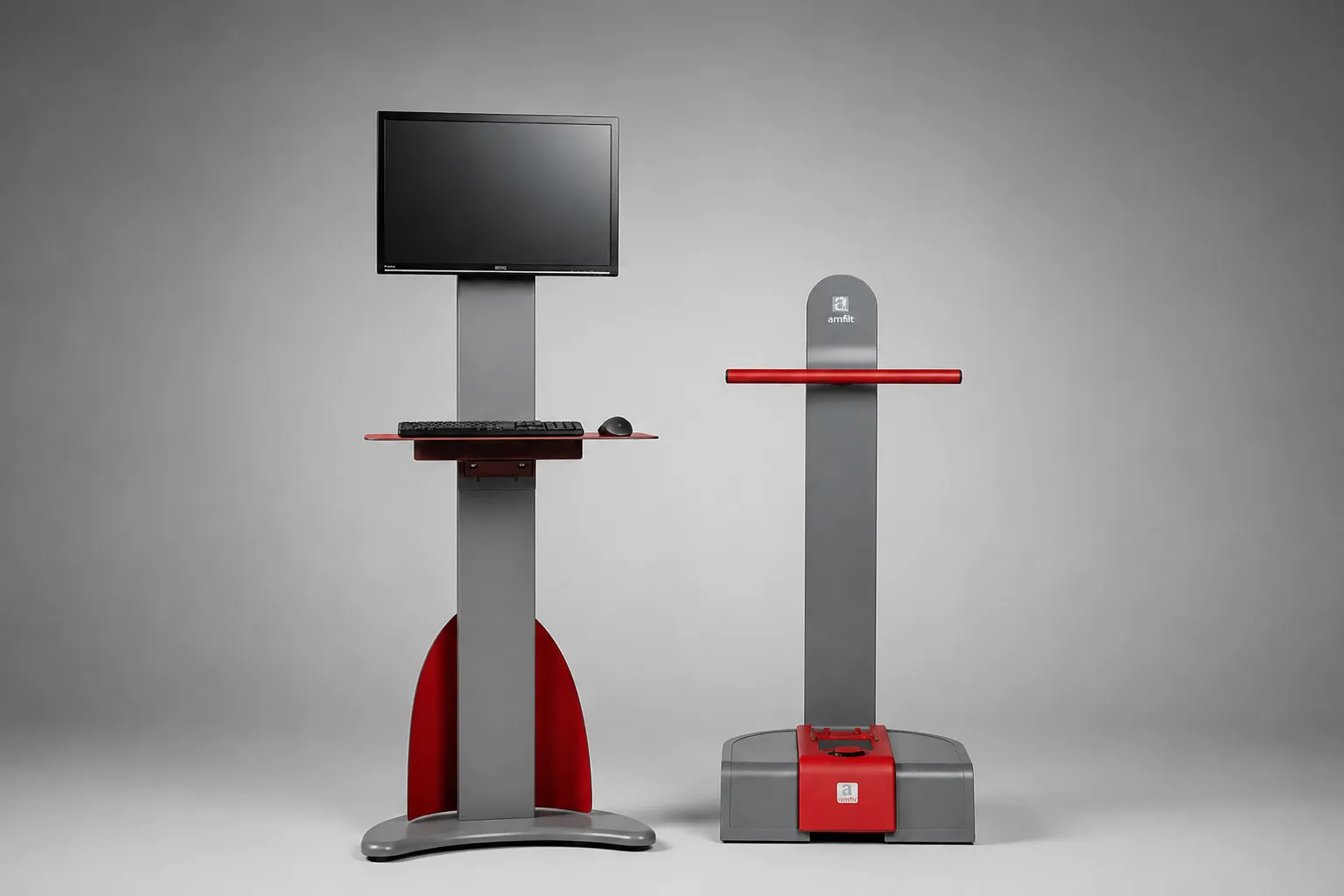
Contact Digitizer System (Office Setup)
Item# 100000-A
- Contact Digitizer Pro
- Dell OptiPlex Ultra Small PC
- 24" LCD Flat Panel Monitor
- Digitizer Floor Stand
Contact Digitizer
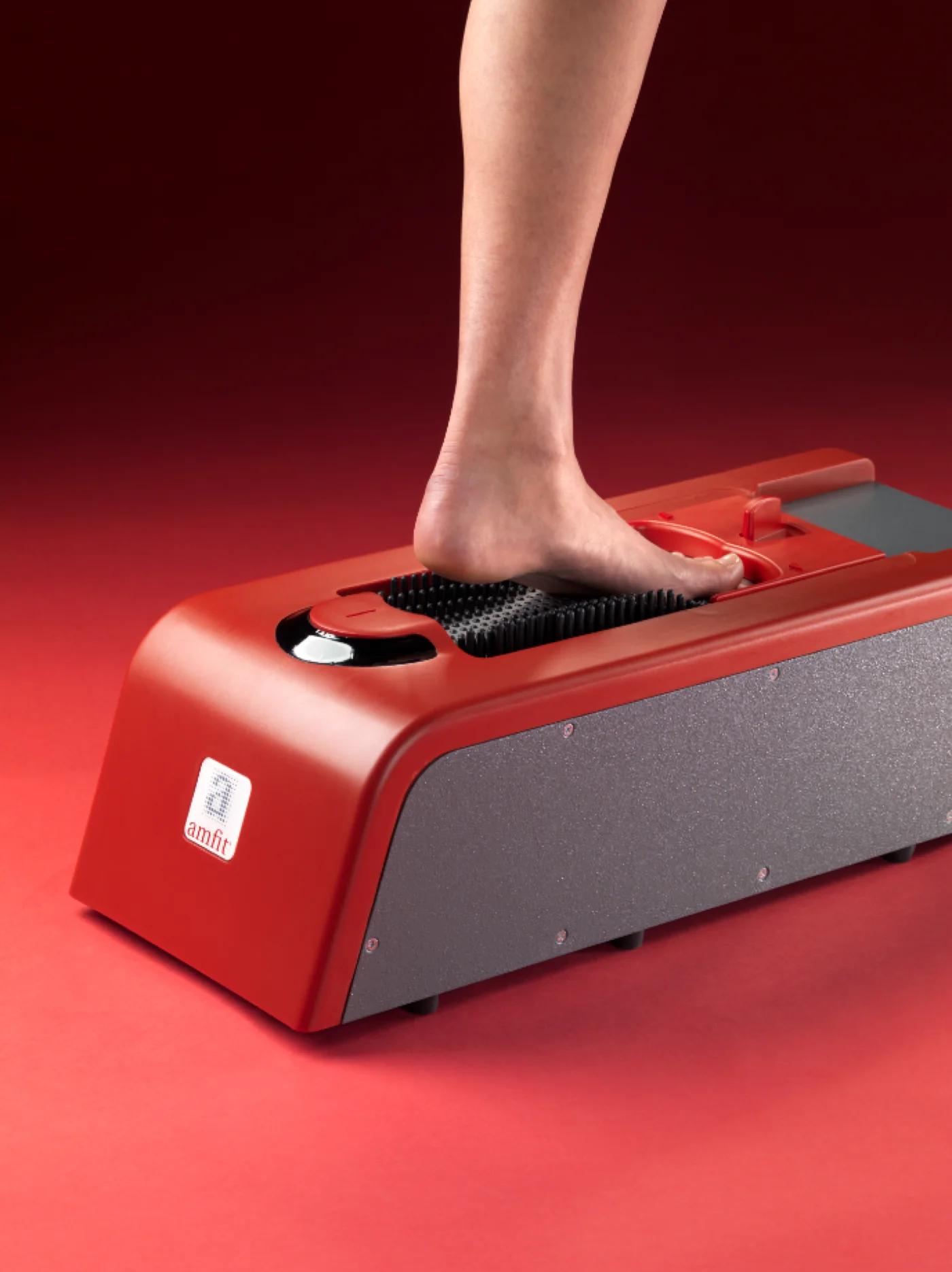
The Contact Digitizer captures the foot using full-contact, mechanical scanning with 538 pins that deflect soft tissue and maps the foot's anatomy with unmatched accuracy.
How It Works
Position the patient full, partial, or non-weight-bearing based on your clinical needs.
The 538-pin array captures plantar structure using controlled soft tissue deflection.
The digital scan opens in Correct & Confirm for review, correction, and preparation for fabrication.
Configuration Options
Item# 100000-A
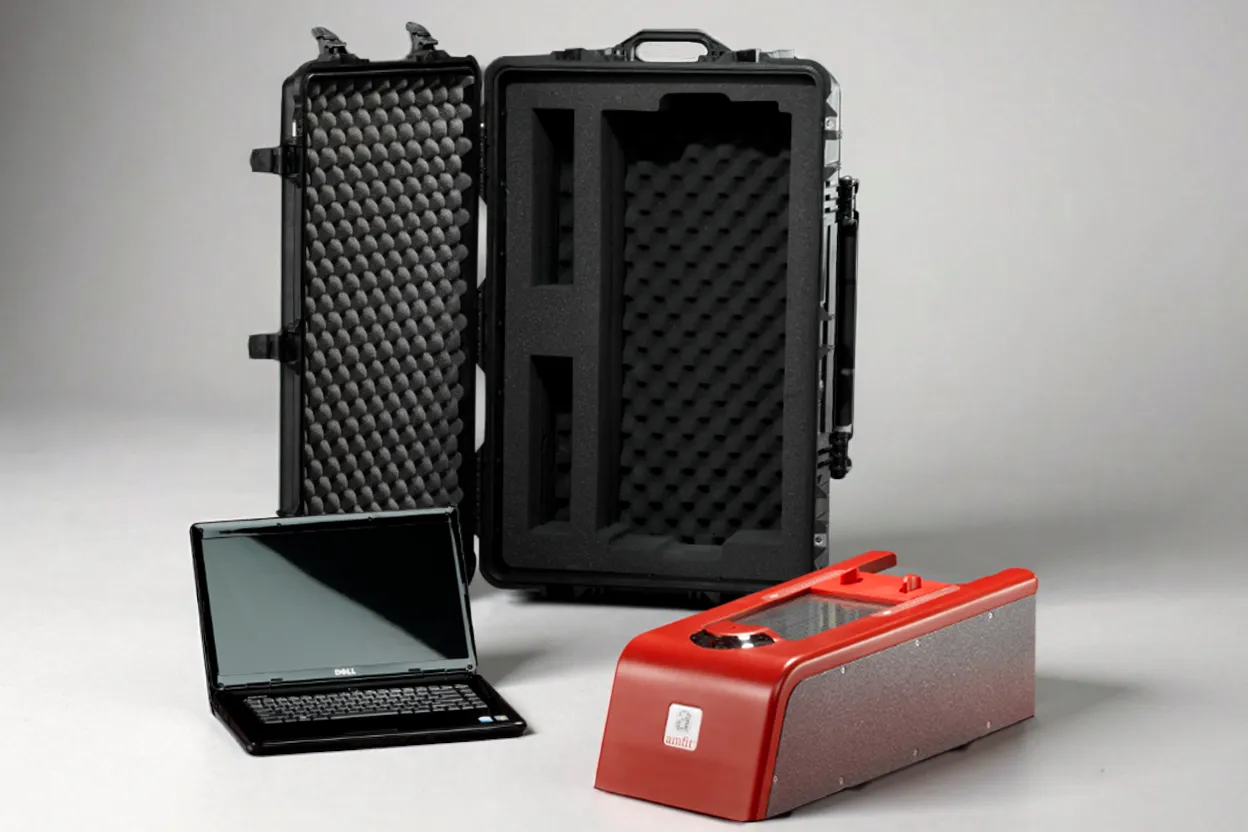
Item# 100000-B
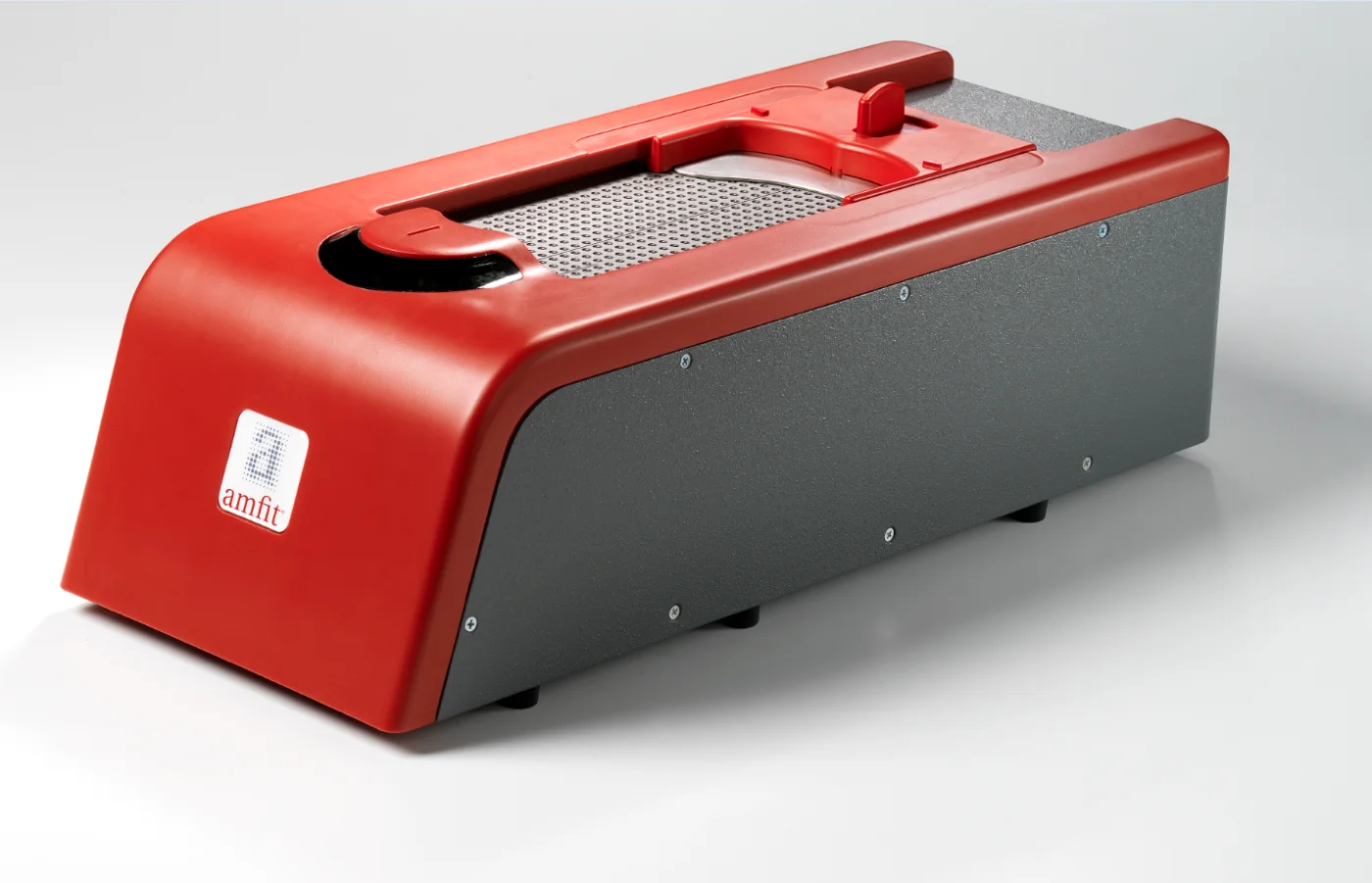
Item# 1000000
Related Insights
Research
A scoping review of 78 studies on three-dimensional foot scanning protocols, published in the Journal of Foot and Ankle Research.
View StudyClinical Study
A 22-patient comparison finding significantly greater comfort and satisfaction with orthotics made from 3D digital contact casting.
Read StudyBlog
What plaster, foam, and each digital scanning technology actually capture, and why the difference matters clinically.
Read ArticleOptical scanners capture the foot's surface shape. The Contact Digitizer uses 538 mechanical pins that deflect soft tissue under controlled pressure, capturing the underlying bony architecture and how the foot behaves under load.
Yes. The practitioner controls positioning and pressure, so the foot can be captured in full, partial, or non-weight-bearing positions depending on your clinical approach.
Yes. Every scan opens directly in Correct & Confirm for review, correction, and preparation for fabrication. The two are designed to work together as a single workflow.
Yes. After review in Correct & Confirm, scans can be sent to an in-house CAD/CAM mill for same-day fabrication, or to Amfit's central fabrication facility.
Yes. Scans can be uploaded to Amfit Cloud for cloud storage, order management, and fabrication routing.
Schedule a demo to see how full-contact scanning fits into an Amfit digital orthotic workflow.