Calculate ROI

Home Products

Products

From scan to finished orthotic,
one connected workflow.

Explore the Amfit ecosystem for foot capture, digital correction, fabrication, and finishing. Start with the scan method that fits your practice, then build the workflow around it.

Step 1

Scan

Choose the scan method that fits your practice. Every option is the first step in an accurate, efficient workflow.

Amfit Contact Digitizer

Contact Digitizer

Go beyond surface-level scanning.

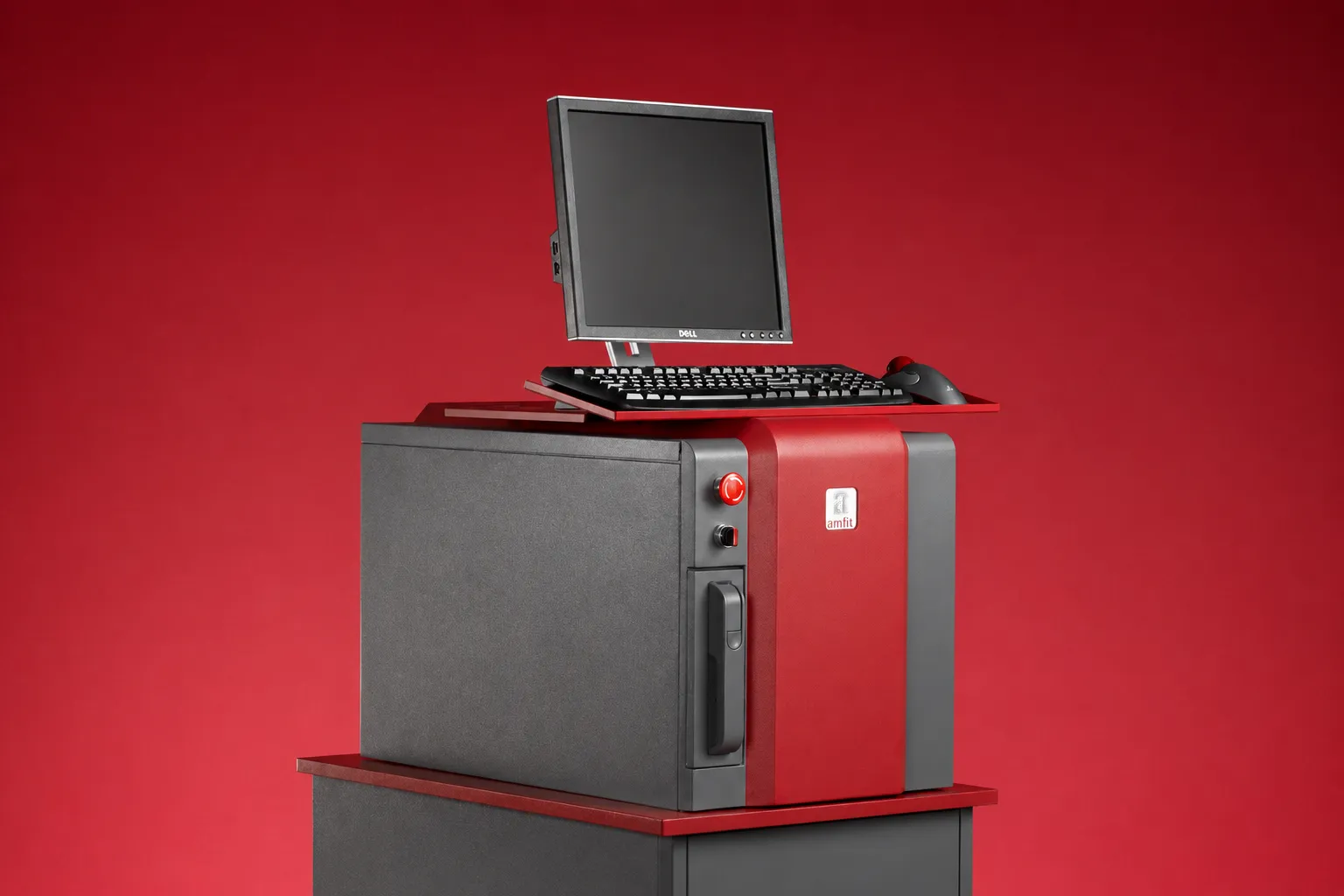
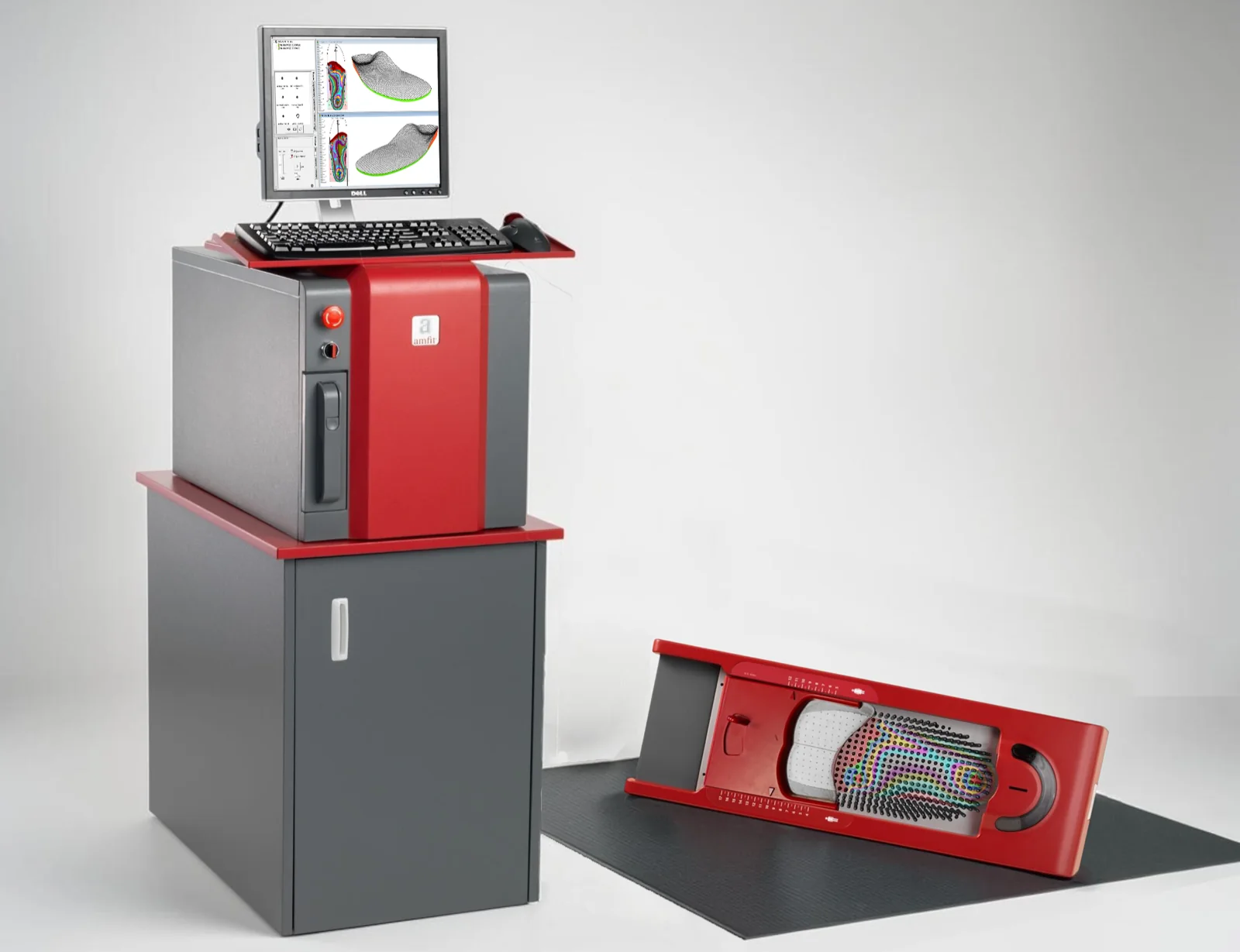
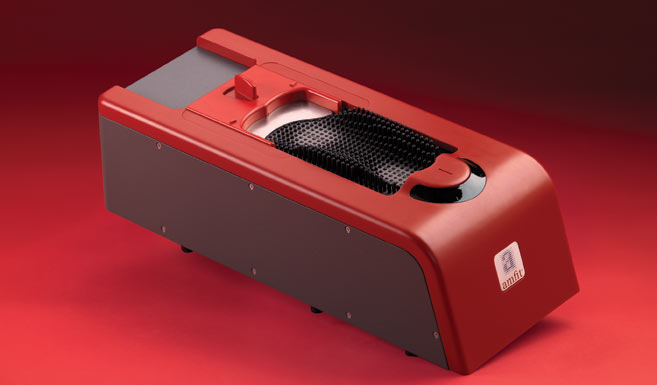
The Contact Digitizer captures the foot under true contact, providing accurate digital casts that support clinical evaluation, correction, and custom orthotic design.

  • 538-pin full-contact scanning
  • Captures soft tissue deflection
  • Supports full, partial, or non-weight-bearing scans
  • Practitioner-controlled positioning
  • Digital cast appears instantly in Correct & Confirm
  • ±0.1 mm scanning accuracy
Amfit Impress Scanner

Impress Scanner

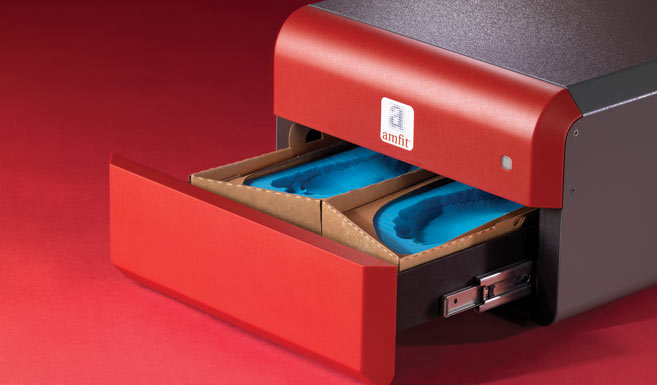
Turn foam impressions into digital Amfit scan files.

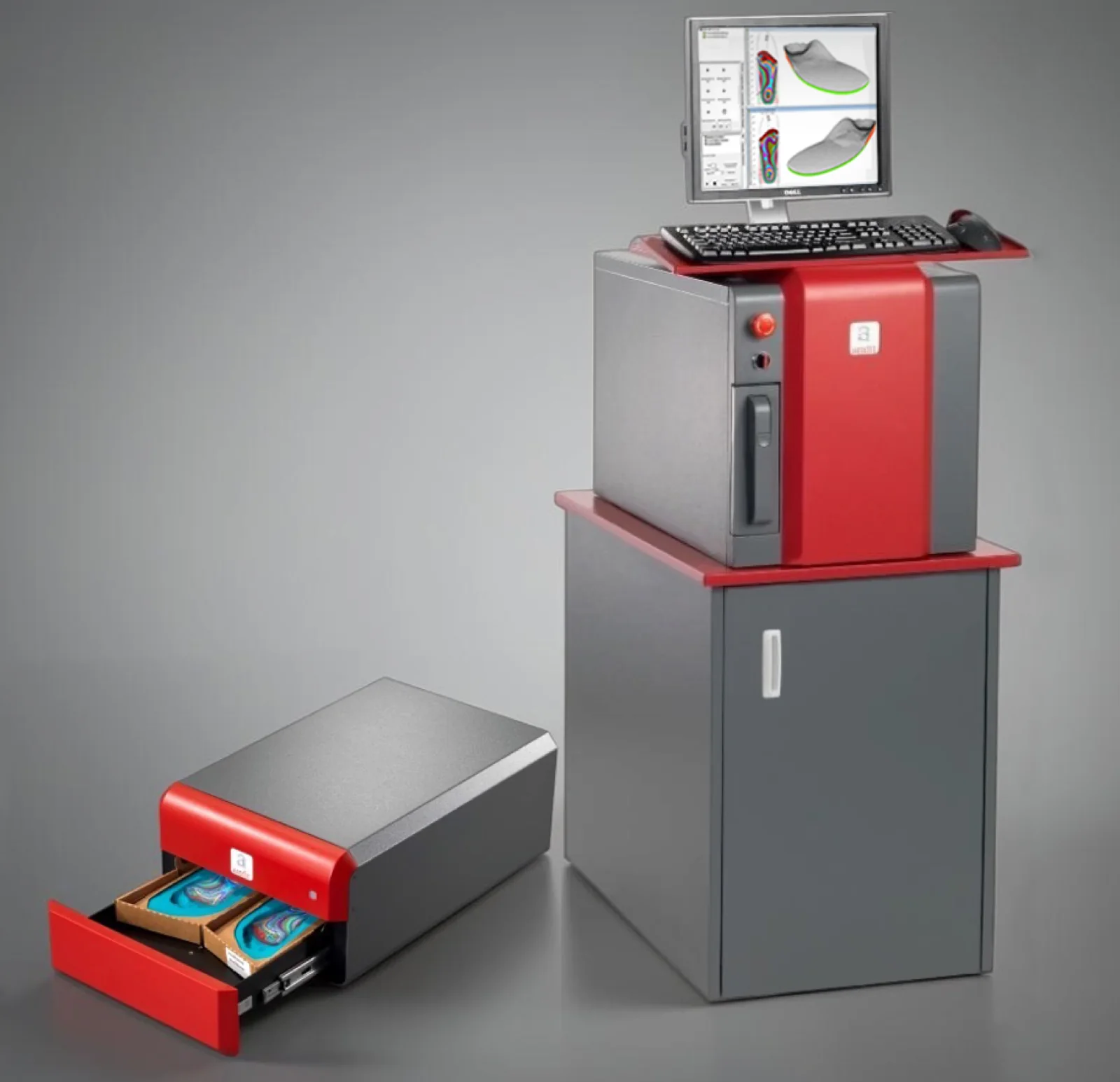
The Impress Scanner converts foam impressions into precise 3D digital files in about one minute, creating a fast and seamless path to design and fabrication.

  • Converts foam impressions into 3D digital files
  • Scans right and left impressions in about one minute
  • ±0.1 mm scanning accuracy
  • Works with most industry-standard foam boxes
  • Eliminates plaster positives, cleanup, and storage needs
Amfit Scan App on iPhone and iPad

Amfit Scan App

Capture foot scans from anywhere.

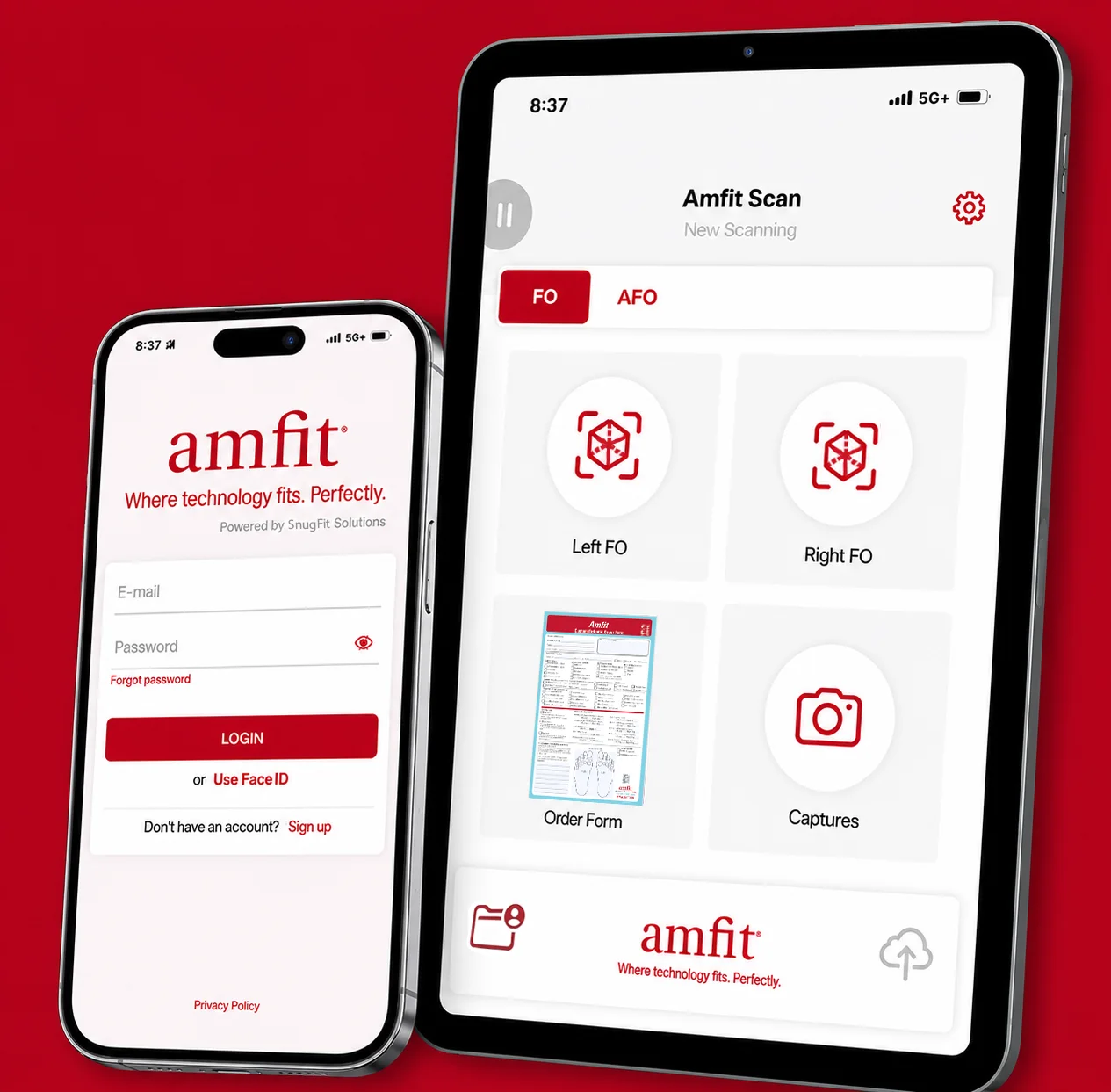
Amfit Scan captures 3D plantar scans on an iPhone or iPad and uploads them securely to Amfit Cloud for review, design, and fabrication.

  • Free to download on iPhone or iPad
  • Capture 3D plantar surface data from almost anywhere
  • Secure upload to Amfit Cloud
  • Reviewed in Correct & Confirm by Certified Pedorthists
  • Helps reduce delays from scan to fabrication

Step 2

Proprietary Software

After the foot data is captured, Amfit software allows you to review, correct and prepare the scan for fabrication. This is where the digital workflow becomes clinically useful, not just captured, but refined.

Correct & Confirm orthotic editing software

Orthotic Design Software

Correct & Confirm

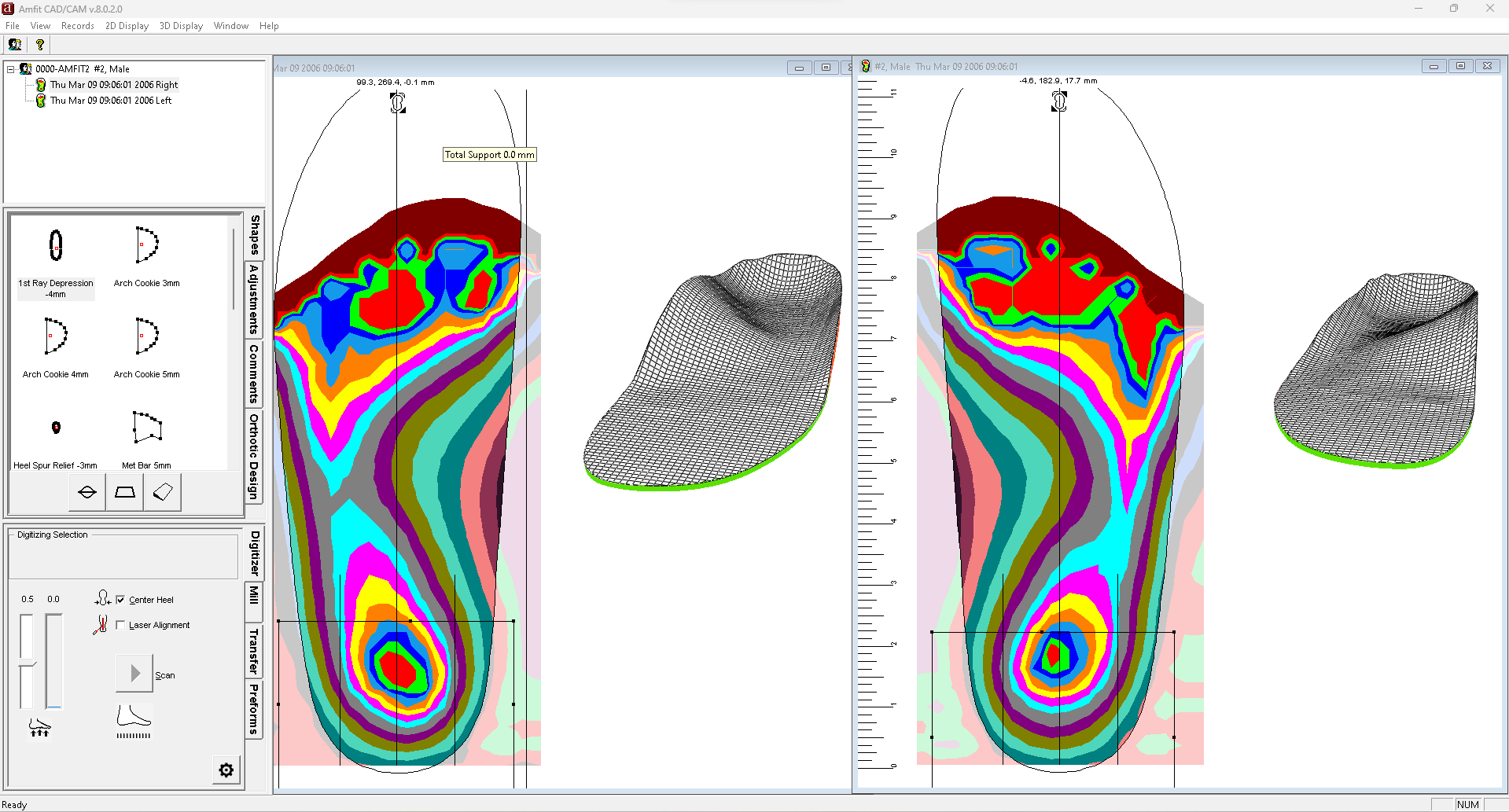
Correct & Confirm is Amfit's proprietary orthotic design and editing software. Providers can review scan records, apply corrections, customize the orthotic shape, and prepare the file for fabrication through an Amfit workflow.

  • Review and edit digital foot scan records
  • Apply corrections and custom modifications
  • Prepare fabrication-ready orthotic files
  • Included with all Amfit machines at no additional cost

Cloud Record Access

Amfit Data Services

Cloud-based storage for shared access to Amfit customer scan records across locations.

  • Centralized record access
  • Supports multi-location workflows
  • Helps with reorders and routing
Learn More

Optional Production Tools

Advanced Production Software

For select fabrication environments, Amfit offers additional software tools that support CNC output, reporting, scan record lists, and production manifests.

  • Supports CNC production workflows
  • Record and manifest reporting
  • For select advanced fabrication setups
Learn More

Step 3

Mill

After your scan file is corrected and prepared, the Amfit Mill fabricates the custom orthotic in-house from an Amfit-ready Correct & Confirm file.

Amfit CAD/CAM Mill Machine

Fabricate In-House

Fabricate custom orthotics with speed and control.

The Amfit CAD/CAM Mill carves EVA orthotics and positive molds directly from Correct & Confirm files, giving a connected scan-to-fabrication workflow inside any facility.

  • Mills from any select Correct & Confirm data file
  • Fabricates EVA orthotics and positive molds for vacuum forming
  • Supports in-house production workflows
  • Reduces dependence on outside lab turnaround

Choose Your Fabrication Setup

Digitizer + Mill configuration

Digitizer + Mill

Full-contact foot scanning with the Amfit Digitizer paired with in-house milling for a seamless scan-to-mill workflow.

Impress + Mill configuration

Impress + Mill

Foot impression kit scanning with Amfit's Impress Scanner integrated with milling for a reliable foam-to-mill workflow.

Complete In-House System — Digitizer, Mill, and Impress Scanner

Complete In-House System

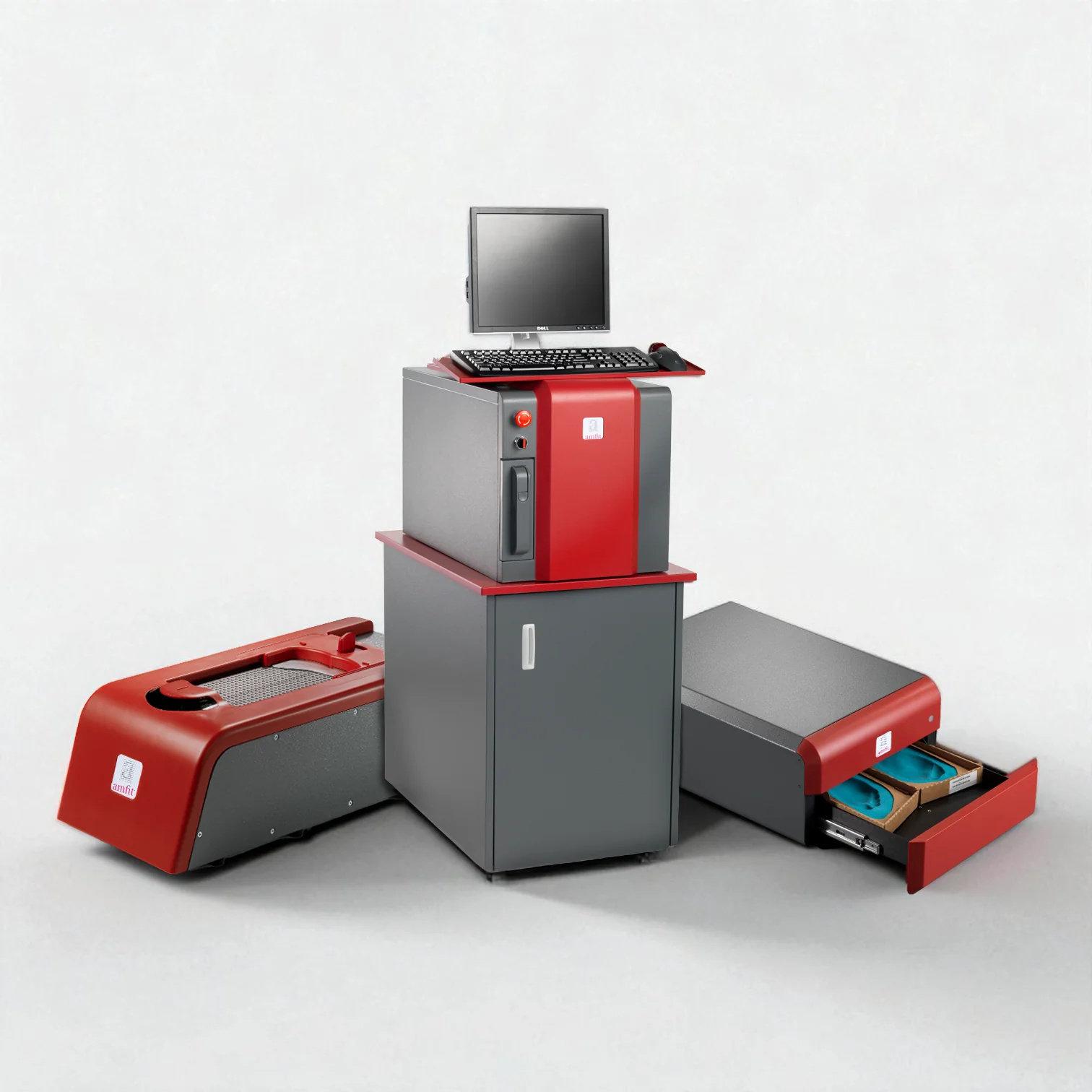
Has both the Impress Scanner and the Contact Digitizer paired with the CAD/CAM Mill for the ultimate connected system designed for in-house fabrication.

Complete the Workflow.

Pair your fabrication with the right Amfit scanning tool to build a fully integrated Amfit workflow.