Scan foam impressions
Convert right and left foam impressions into Amfit foot data files in about a minute.
Impress Scanner
The Impress Scanner uses laser technology to convert right and left foot foam impressions into 3D Amfit foot data files in about a minute. Pre-installed Correct & Confirm software lets you easily review, modify, and perfect designs before sending files to central fabrication or an in-house mill.
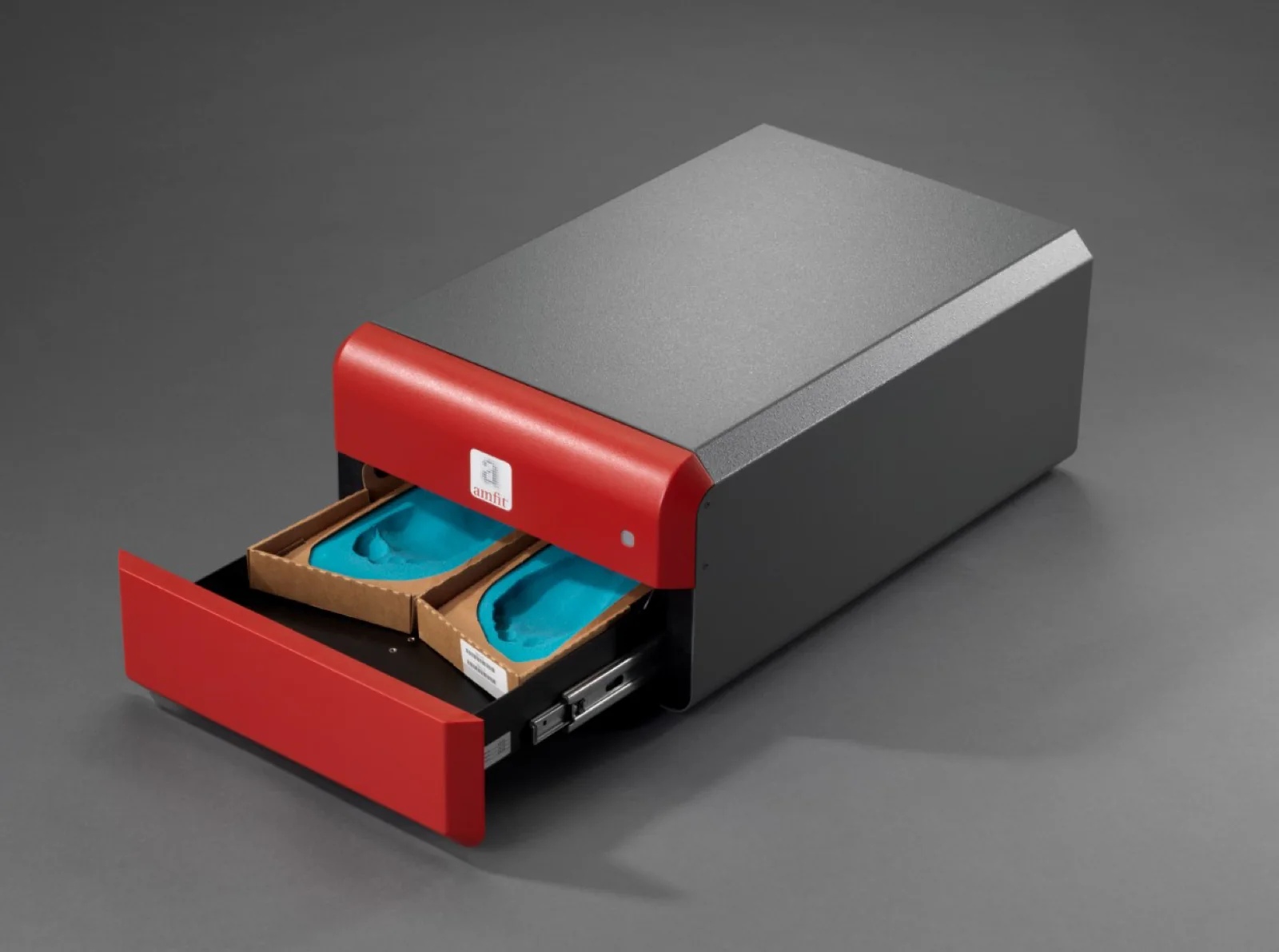
How It Works
Convert right and left foam impressions into Amfit foot data files in about a minute.
Open scans in Correct & Confirm for review and modifications.
Send the completed digital files to Amfit Central Fabrication or an in-house mill.
Minimize plaster positives, cleanup, storage, and model handling.
Configuration Options
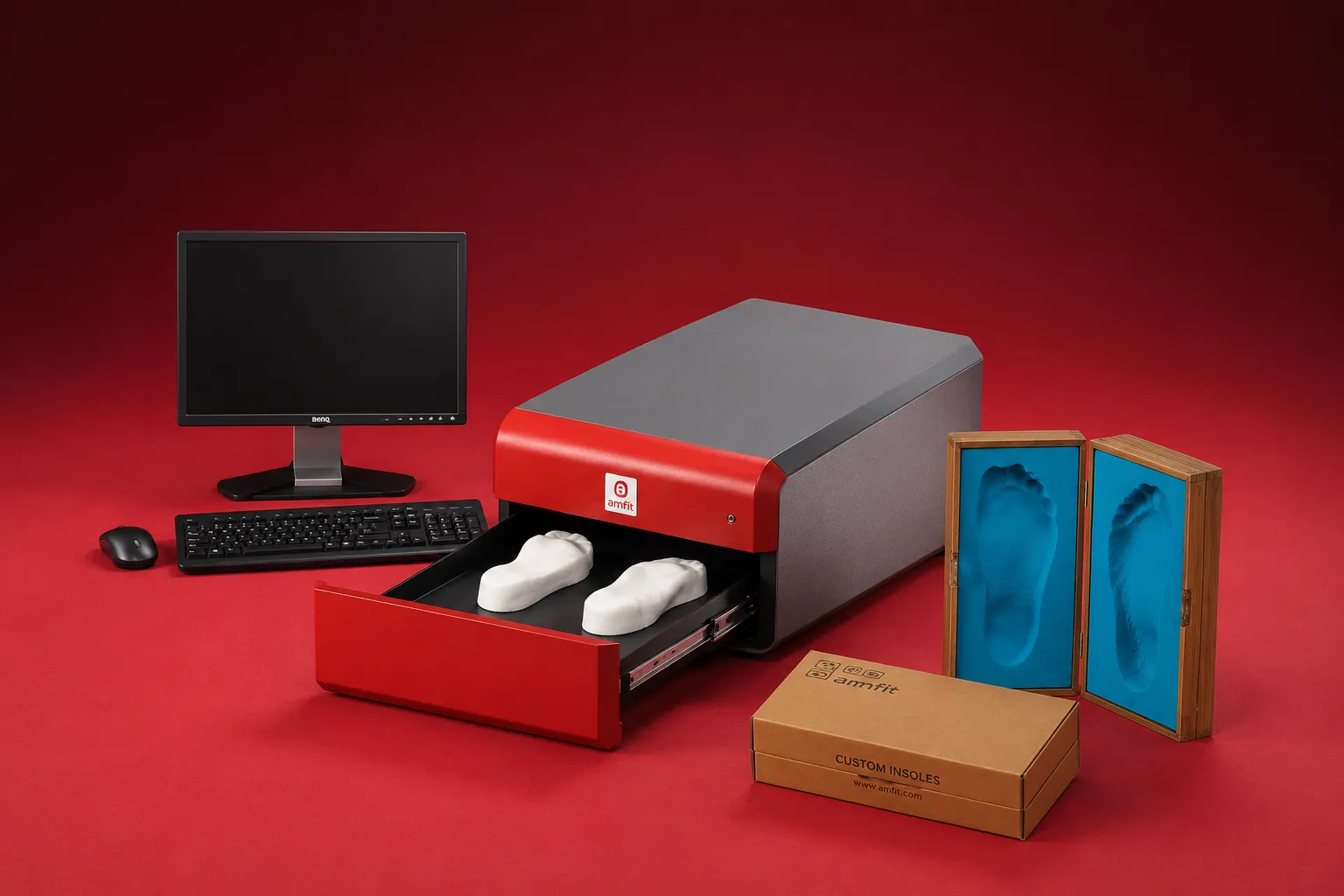
Item# 10S6000
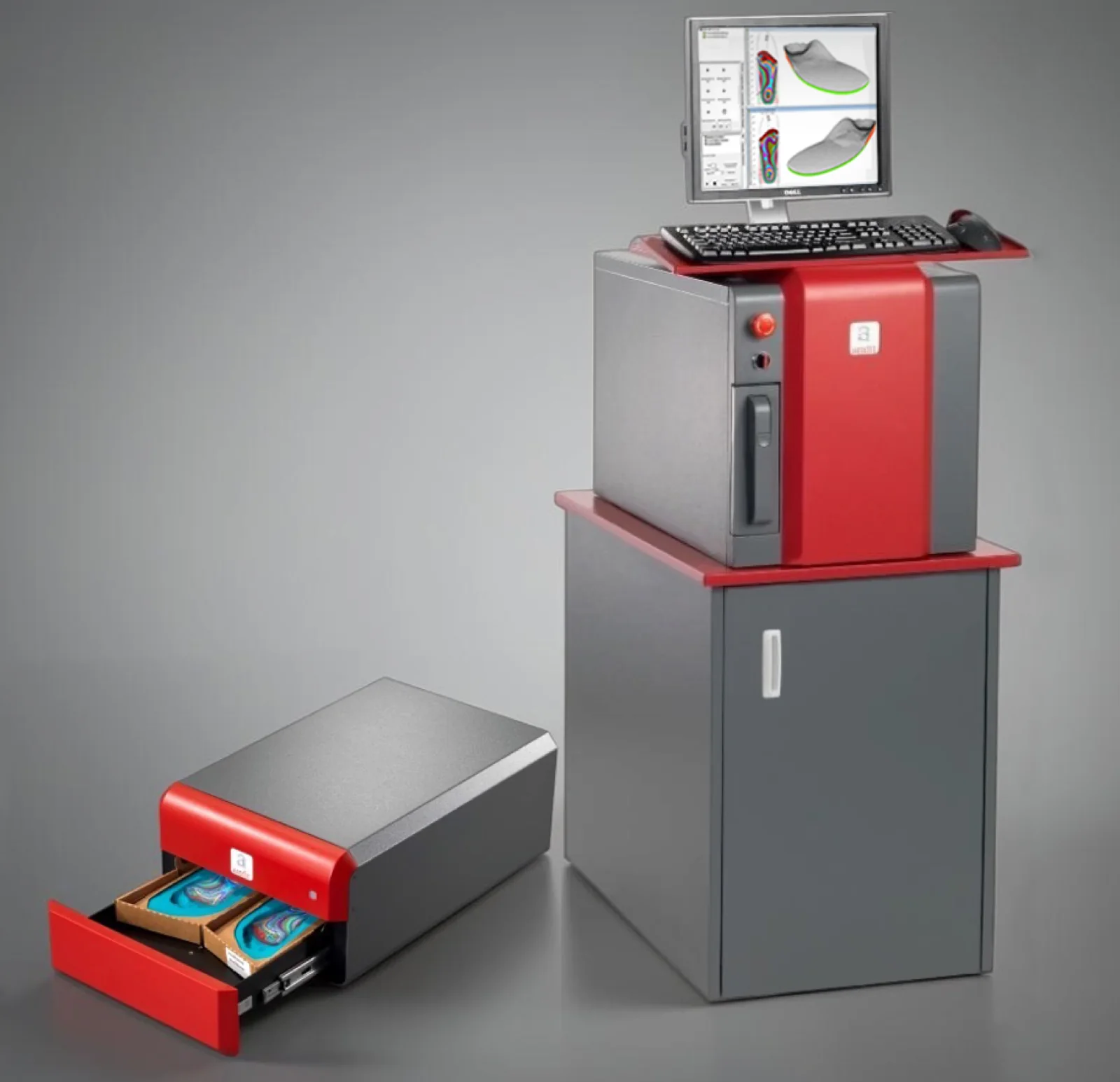
Item# 10AIMPRESS-01
The Impress Scanner captures right and left foam impressions and converts them into 3D Amfit foot data files, ready to open in Correct & Confirm.
Yes. It supports many industry-standard foam impression boxes and positive molds, so existing casting workflows transfer over directly.
Laser-based scanning captures the impression with ±0.1 mm accuracy, giving you a reliable digital cast every time.
Scans open directly in Correct & Confirm for review, modification, and preparation for fabrication. The two are designed to work together as a single workflow.
Yes. After review in Correct & Confirm, scans can be routed to Amfit's central fabrication facility, an in-house CAD/CAM mill, or uploaded to Amfit Cloud for order management.
Talk with an Amfit specialist to learn more about adopting this scanner in your current fabrication process.